Accelerators
Accelerate application modernization with AI-assisted code migration, dependency analysis, automated code translation, and test-driven validation.
Migrating legacy applications to modern technology environments involves more than translating code. Differences in programming languages, dependencies, and application architecture can make migration complex, time-consuming, and difficult to validate.
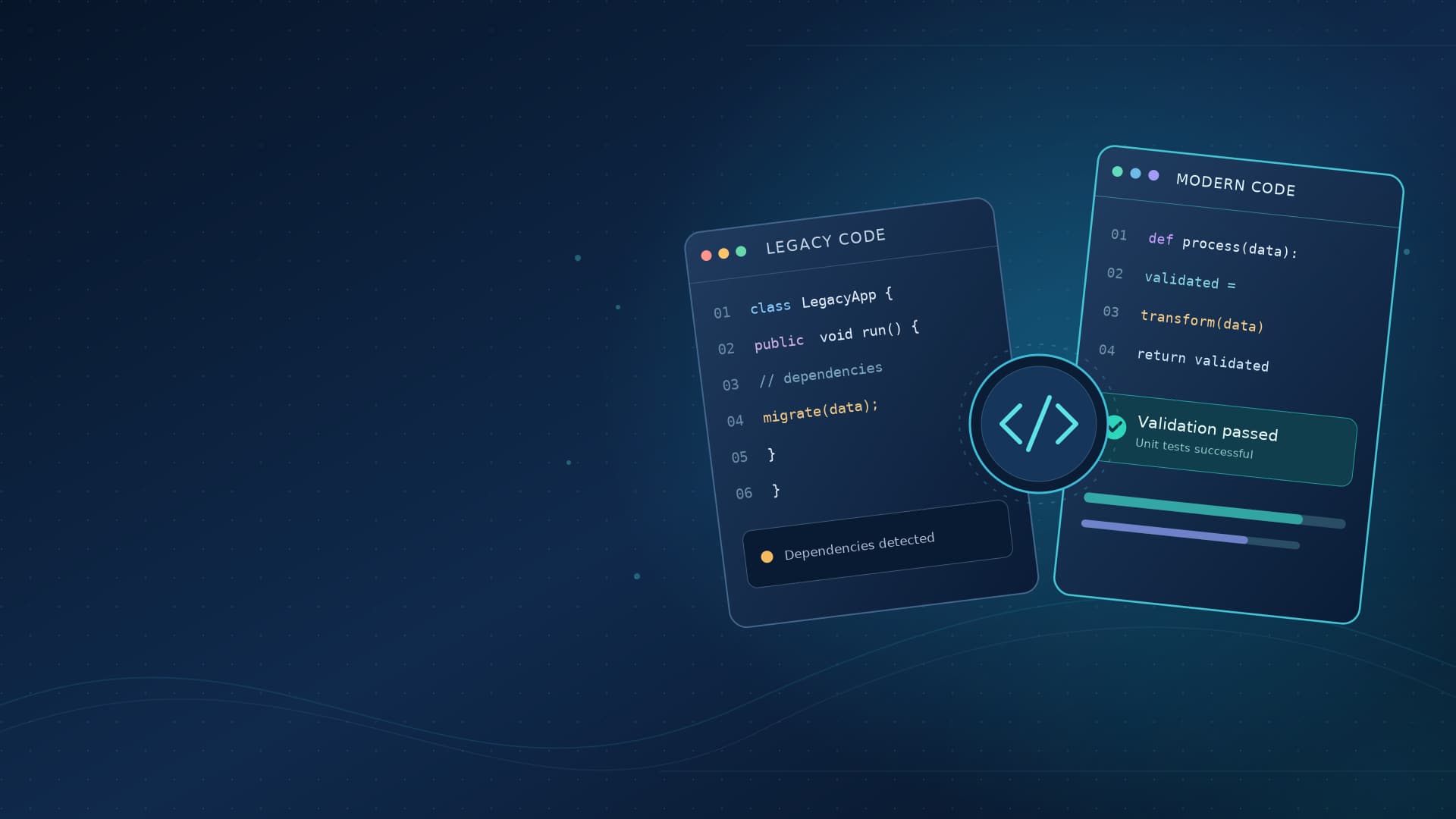
Proclink's Code Migration Tool (CMT) uses AI-assisted code translation and dependency analysis to support the migration process. Its structured workflow covers source code analysis, target-language code generation, Docker integration, and automated unit testing.
By combining code transformation with test-driven validation and documentation, CMT enables engineering teams to reduce repetitive migration effort while maintaining greater visibility and control throughout the process.
Migrating legacy applications introduces technical complexity, compatibility risks, and significant engineering effort, particularly when working across different programming languages and architectures.

Extensive manual code conversion, testing, and rework increase the resources required for application migration.

Translating existing code into a new programming language requires significant development effort and careful validation.

Legacy applications often contain interconnected components and dependencies that complicate migration to new technology environments.

Differences between source and target environments can introduce unexpected defects, compatibility issues, and performance degradation.

Engineering teams must verify migrated functionality while adapting to unfamiliar languages, frameworks, and application architectures.
Use AI-assisted code transformation and structured validation to reduce migration complexity, accelerate modernization, and improve engineering efficiency.
Reduced manual effort
Accelerated modernization
Better migration planning
Improved code reliability
Consistent migration processes
Greater process visibility

Prepare the source and target environments, configure migration settings, and establish the required dependencies.
Analyze the existing codebase to understand its structure, programming logic, and migration requirements.
Identify libraries, modules, and dependencies that need to be addressed during migration.
Translate source code and rebuild application components in the target programming language using AI-assisted workflows.
Prepare the migrated application for deployment and execution using Docker-based environments.
Run unit tests and validate migrated functionality to identify issues requiring further engineering review.
Explore the capabilities that connect source code analysis, AI-assisted transformation, dependency management, and validation throughout the migration process.

Analyze existing source code to understand application structure, logic, and migration requirements.

Identify libraries, modules, and dependencies that require attention during code migration.

Translate source code into a target programming language using LLM-assisted transformation workflows.

Rebuild application components in the target language while preserving intended functionality.

Coordinate migration stages through a structured workflow covering analysis, transformation, and validation.

Prepare source and target environments with the configurations required for migration activities.

Prepare containerized environments to support deployment and execution of migrated applications.

Run unit tests to assess migrated code and identify issues requiring further review.

Validate generated code and application behavior against defined migration requirements.

Generate documentation to provide visibility into migrated code and transformation activities.
Migration Configuration
Source Code and Dependency Analysis
AI-Assisted Code Transformation
Migration Testing and Validation

Migration Configuration
Source Code and Dependency Analysis
AI-Assisted Code Transformation
Migration Testing and Validation
Reduce migration effort, accelerate application modernization, and improve consistency through AI-assisted code transformation and structured validation.

Faster Application Migration

Reduced Manual Development Effort

Lower Migration Costs

Improved Code Consistency

Reduced Migration Risks

Greater Engineering Productivity
Designed for teams responsible for modernizing legacy applications, managing code migration, and maintaining software quality across evolving technology environments.
Reduce repetitive code conversion effort and focus engineering resources on application functionality, integration, and validation.
Find answers to common questions about AI-assisted code migration, dependency analysis, application modernization, and migration validation.
Proclink's Code Migration Tool is an AI-assisted accelerator designed to streamline code migration between technology environments. It combines source code analysis, dependency assessment, code translation, and validation within a structured migration workflow.
CMT analyzes existing source code and its dependencies before using AI-assisted workflows to translate and rebuild components in a target programming language. The migrated code then undergoes testing and validation to identify issues requiring engineering attention.
CMT is designed to support source-to-target language code translation and migration. The specific programming languages and frameworks supported depend on the accelerator's implemented capabilities and migration requirements.
The accelerator includes dependency analysis to identify libraries, modules, and relationships that need attention during migration. Engineering teams can use these findings to assess compatibility and determine where additional changes are required.
CMT's migration workflow includes unit testing and validation to assess migrated code and identify potential issues. The extent of automated test execution and test generation depends on the configured implementation.
Docker is included in the accelerator's architecture to support containerized environments for deployment and execution. Its use depends on the requirements and configuration of the migration project.
No. CMT is designed to reduce repetitive code conversion effort, but engineering oversight remains important for reviewing generated code, resolving compatibility issues, validating functionality, and making architecture-related decisions.
By combining AI-assisted code translation, dependency analysis, and structured validation, CMT can reduce repetitive migration activities and enable engineering teams to focus on complex technical decisions and application quality.